

 AUD
AUD
 BRL
BRL
 CHF
CHF
 CNY
CNY
 DKK
DKK
 EUR
EUR
 GBP
GBP
 HKD
HKD
 INR
INR
 JPY
JPY
 KRW
KRW
 MXN
MXN
 MYR
MYR
 NOK
NOK
 NZD
NZD
 PLN
PLN
 RUB
RUB
 SEK
SEK
 SGD
SGD
 THB
THB
 TWD
TWD
 USD
USD
 ZAR
ZAR

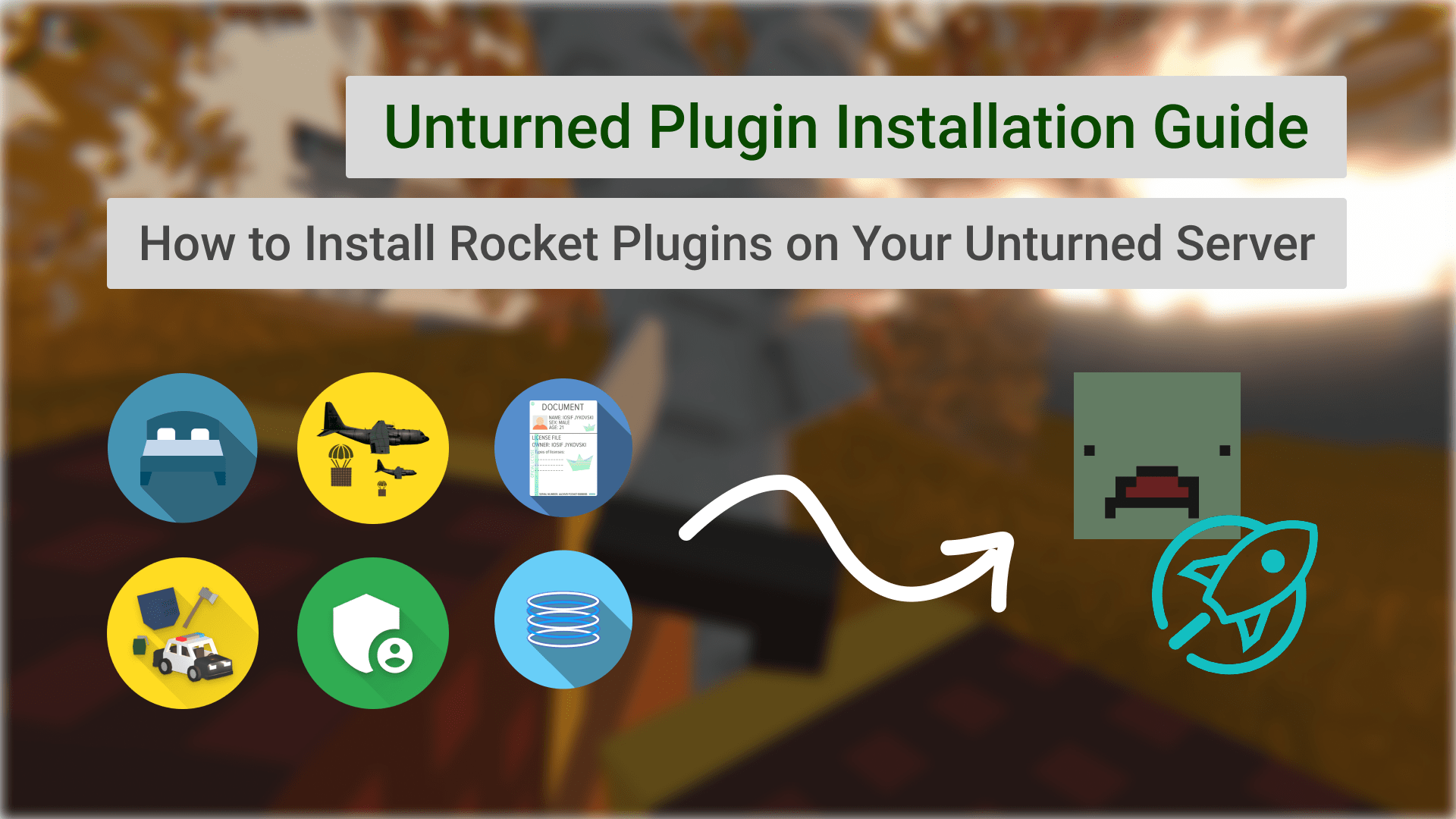
Unturned Plugins Pack is a collection of all Restore Monarchy plugins that are available for purchase. This guide will show you how to use it on your server.
If you haven't purchased the Unturned Plugins Pack yet, you can do so by visiting restoremonarchy.com/plugins/unturned-plugins-pack
Installation
Once you have access to the Unturned Plugins Pack, make sure you are logged in to your account and nagivate to user plugins page. You will see a list of all plugins included in the pack in the Unturned Plugins Pack card.
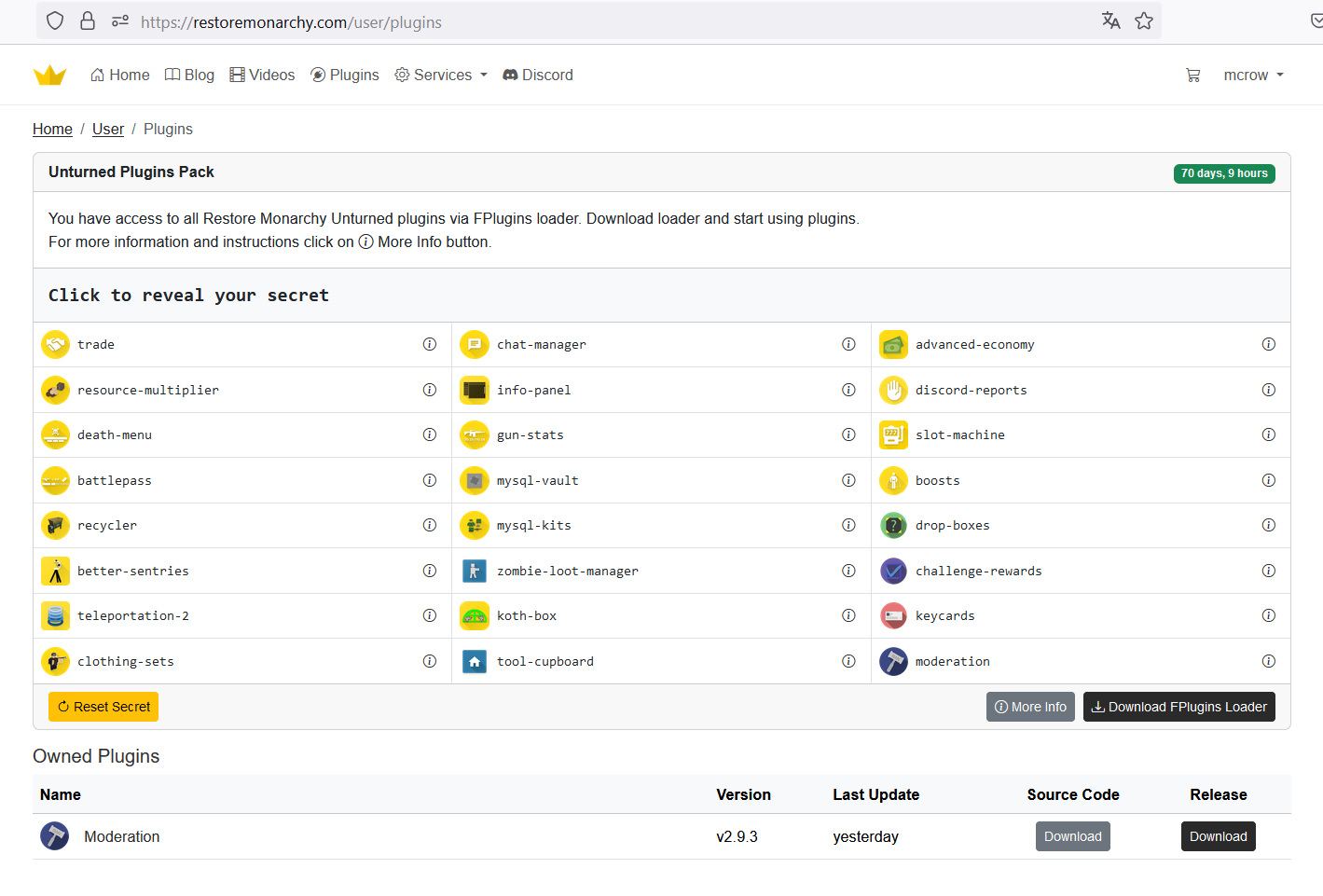
Click on the Download FPlugins Loader button to download the loader. It will be a dll file
FPluginsLoader.Installer.RocketMod.dllthat you will need to upload to your server. Restart your server and it will generateFPluginsLoader.RocketModfolder in the same plugins directory.In this folder find and open
FPluginsLoader.RocketMod.configuration.xmlfile.Go back to restoremonarchy.com and in the same user plugins page find a text where it says "Click to reveal your secret". Click on it and copy the secret key.
Paste the secret key into the
FPluginsLoader.RocketMod.configuration.xmlfile.Now to add a plugin click on the info icon in user plugins page next to plugin that you want to add.
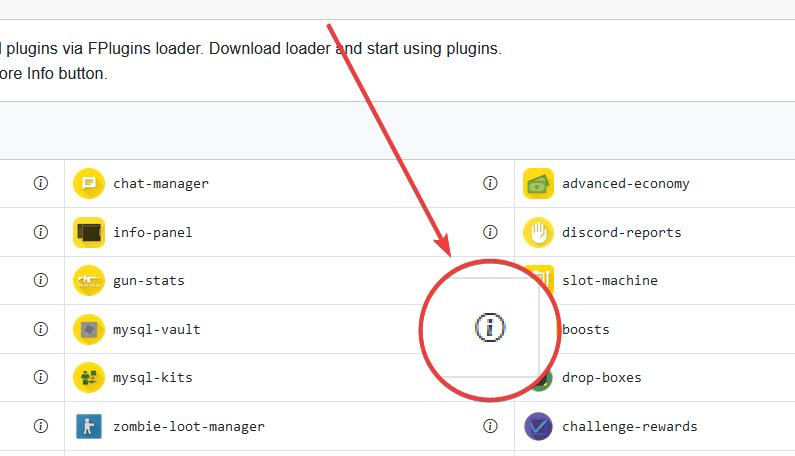
- It will open a modal with the instructions how to add the plugin. Copy the line that starts with
<Plugin ...and paste it into theFPluginsLoader.RocketMod.configuration.xmlfile between<Plugins>...</Plugins>tags.
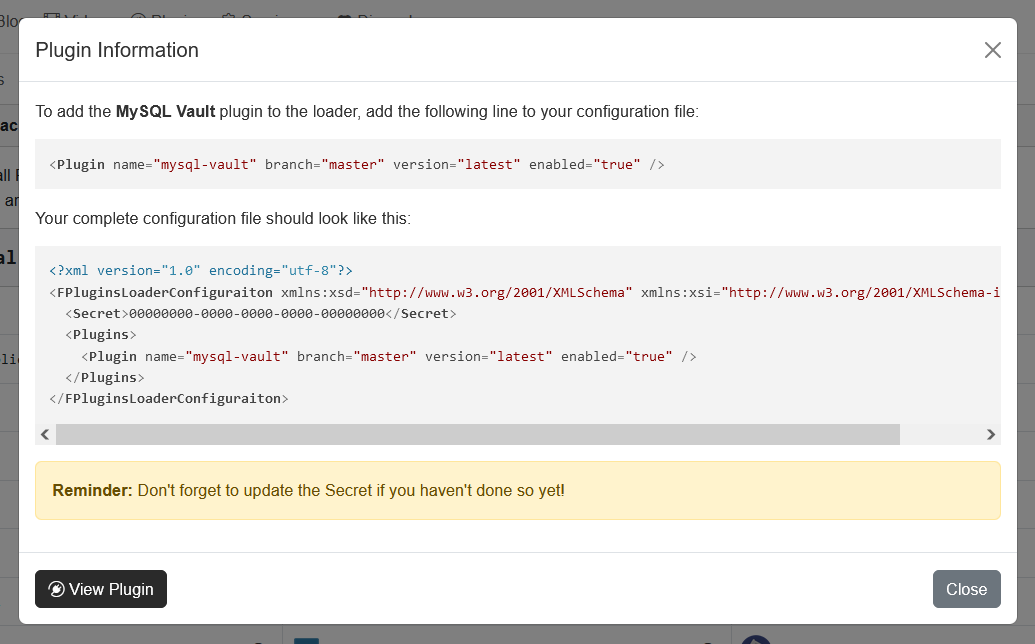
- Restart the server and the plugin will be loaded.
Troubleshooting
If you have any issues with the Unturned Plugins Pack or any of the plugins included in it, please contact our support team at our Discord server.
Comments (0)
No comments yet. Be the first.